Dynamic Orchestration Powered by Machine Learning
Leveraging advanced machine learning and our intelligent Mapping Engine, PolySaaS automatically discovers, normalizes, and routes data between disparate business applications.
Deploy powerful cross-app workflows (like Dolibarr → Odoo customer sync) in minutes — fully configurable from the database, no code changes required.
Model the world
Represent your environment in structured data—for example, devices and relationships across a large org (e.g. PolySysMon-style monitoring)—so downstream analytics and models have a consistent picture.
Capture & store
Scanning and telemetry can feed search- and analytics-ready stores (Elasticsearch, BigQuery, or sinks you choose). Clean pipelines reduce export/import round-trips.
Train & serve
Connect frameworks such as TensorFlow, PyTorch, or scikit-learn via endpoints and orchestration rules you control—parameters and runs stay tied to tenant configuration.
Prompts & agents
Design and version prompts, chain workflows, and route to your models or optional external LLMs only when you explicitly allow—ownership, compliance, and cost stay yours.
Why this matters
- Full loop in one place: configuration, data, orchestration, and execution aligned with DOSE—not a bolt-on “AI feature” with opaque limits.
- Framework-agnostic core: first-class tables and APIs are not tied to a single vendor model.
- Enterprise posture: sensitive workloads can stay on infrastructure you operate; external AI is opt-in.
In the product today (technical)
- Tenant-scoped models:
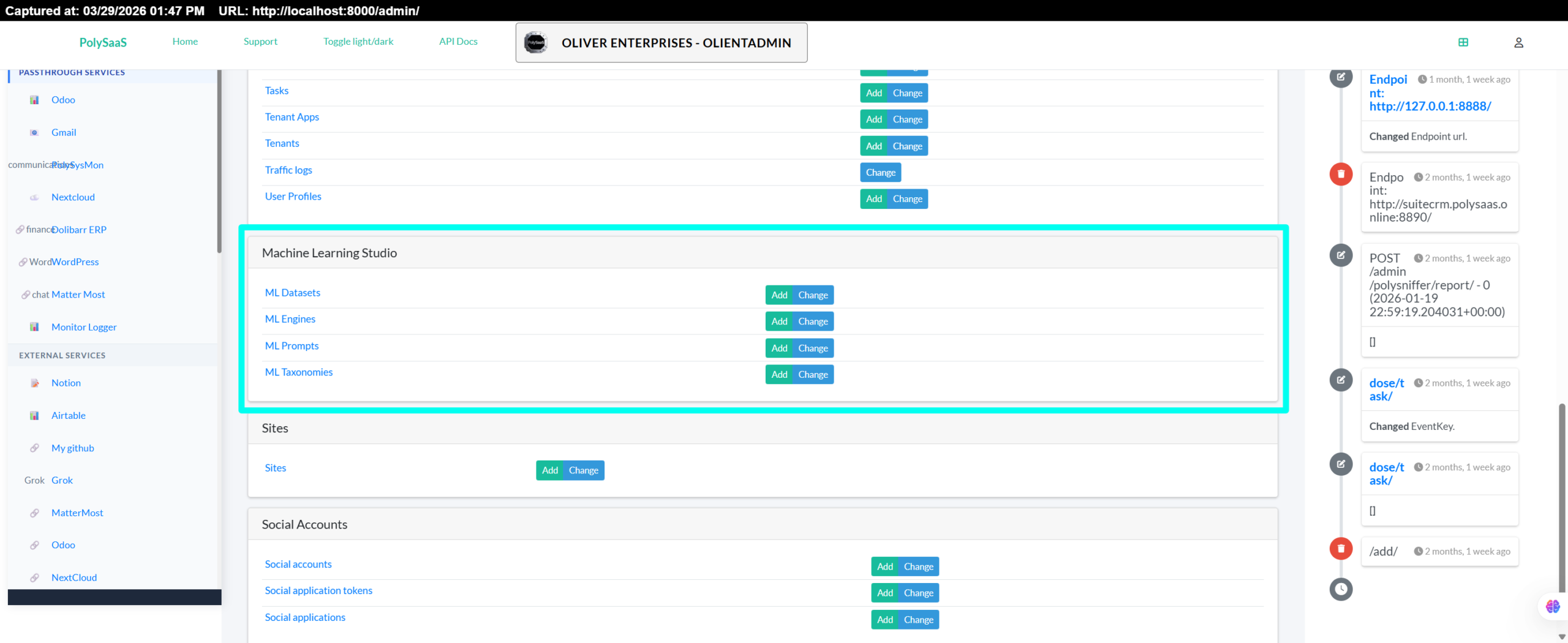
MLEngine,MLTaxonomy,MLDataset,MLPrompt(Django / PostgreSQL).MLPromptstoreskey,description, andprompt_text; alignmatchingEventKeyon the other ML rows with the same key string when you want them tied together. - REST API (authenticated):
/dose/api/mlengines/,/dose/api/mltaxonomies/,/dose/api/mldatasets/,/dose/api/mlprompts/. matchingEventKeyfields link rows to orchestration and events (contract documented in repo).- Related configuration:
parameters.ParameterwithmatchingKeyfor ordered, keyed parameter sets.
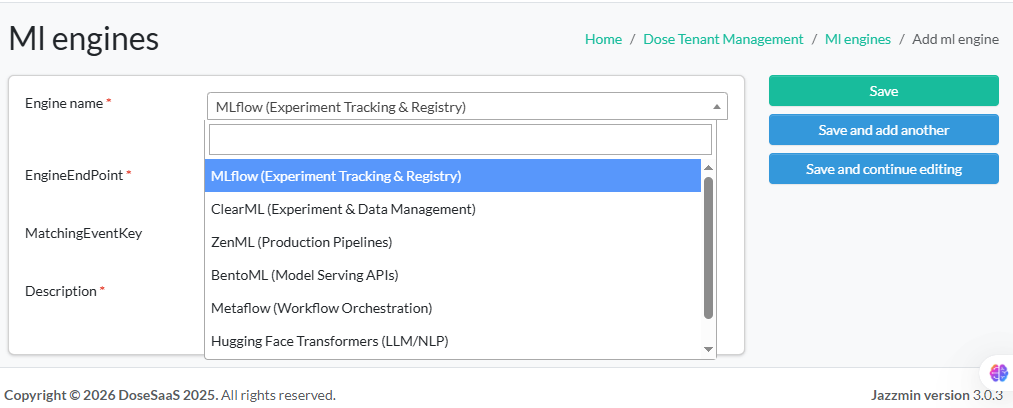
ML Engine selector (preview)
Pick an engine profile that PolySaaS can orchestrate for your tenant-scoped ML workflows.
Product screenshots
Captures from the live admin and tenant UI (PolySaaS / DOSE). Sources live in the repo under documentation/website/assets/chat-uploads-for-wp/; below they load from GitHub main for convenience. After upload to WordPress Media Library, swap each src to your wp-content/uploads/… URL if needed.
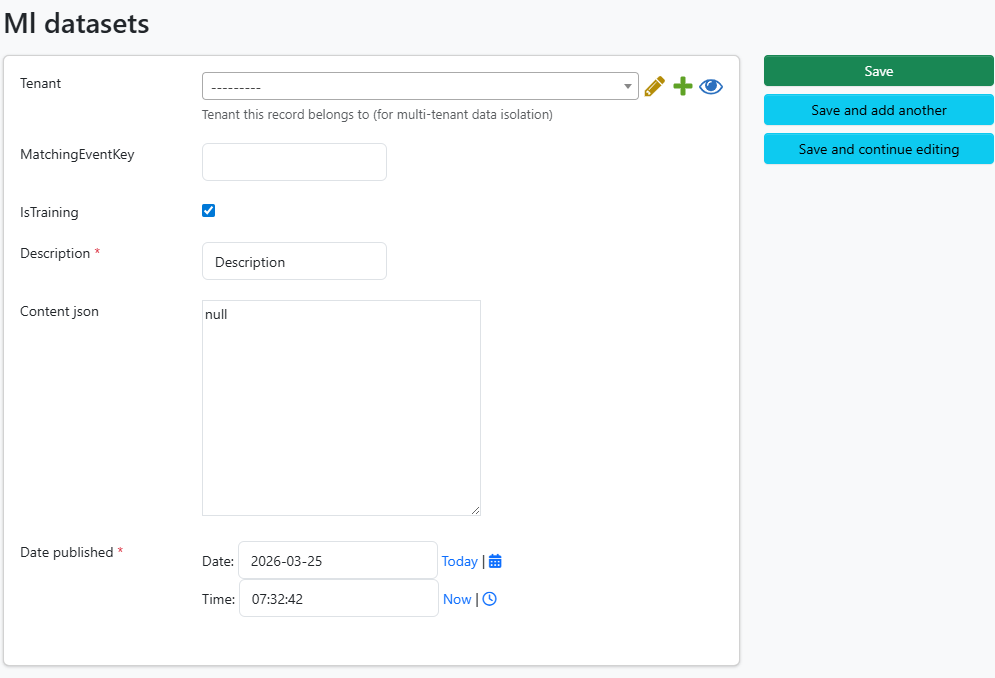
matchingEventKey, description.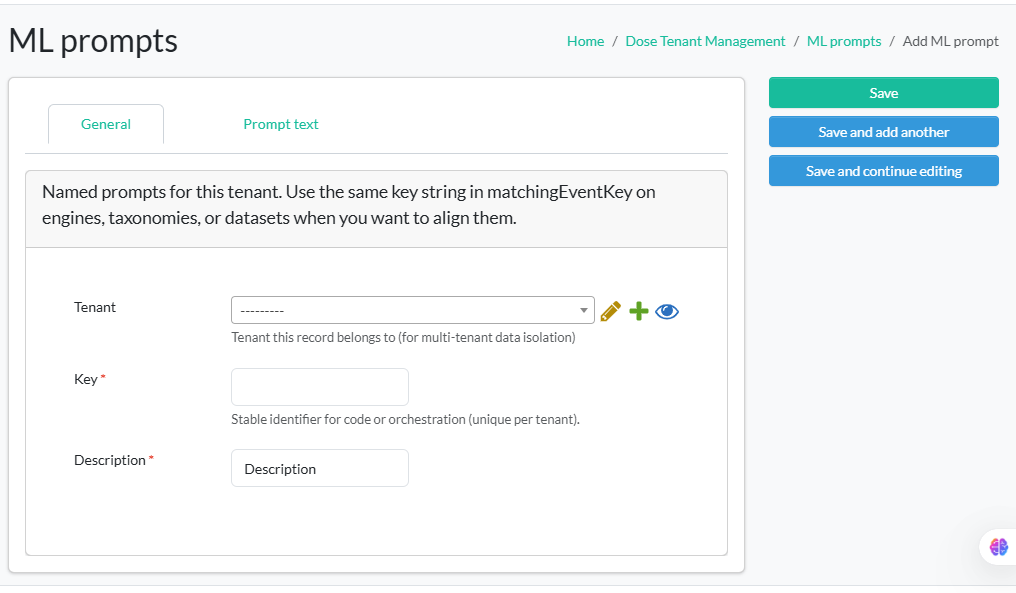
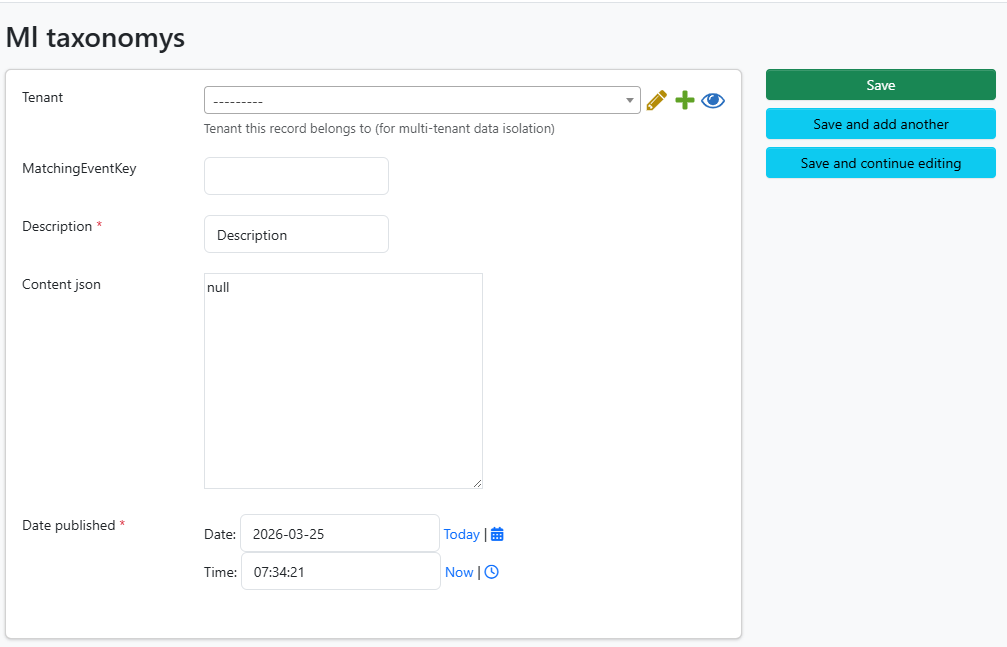
content_json.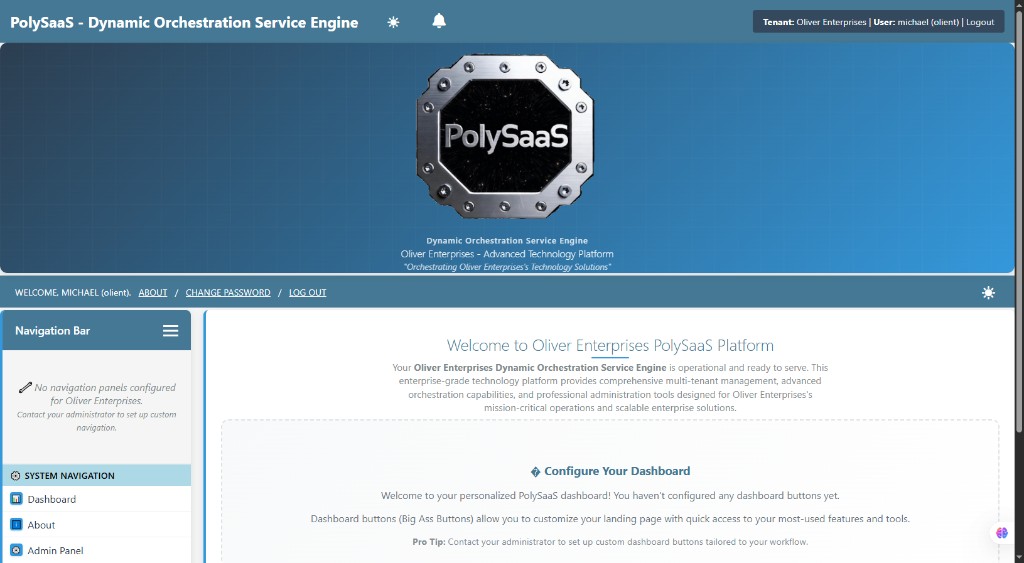
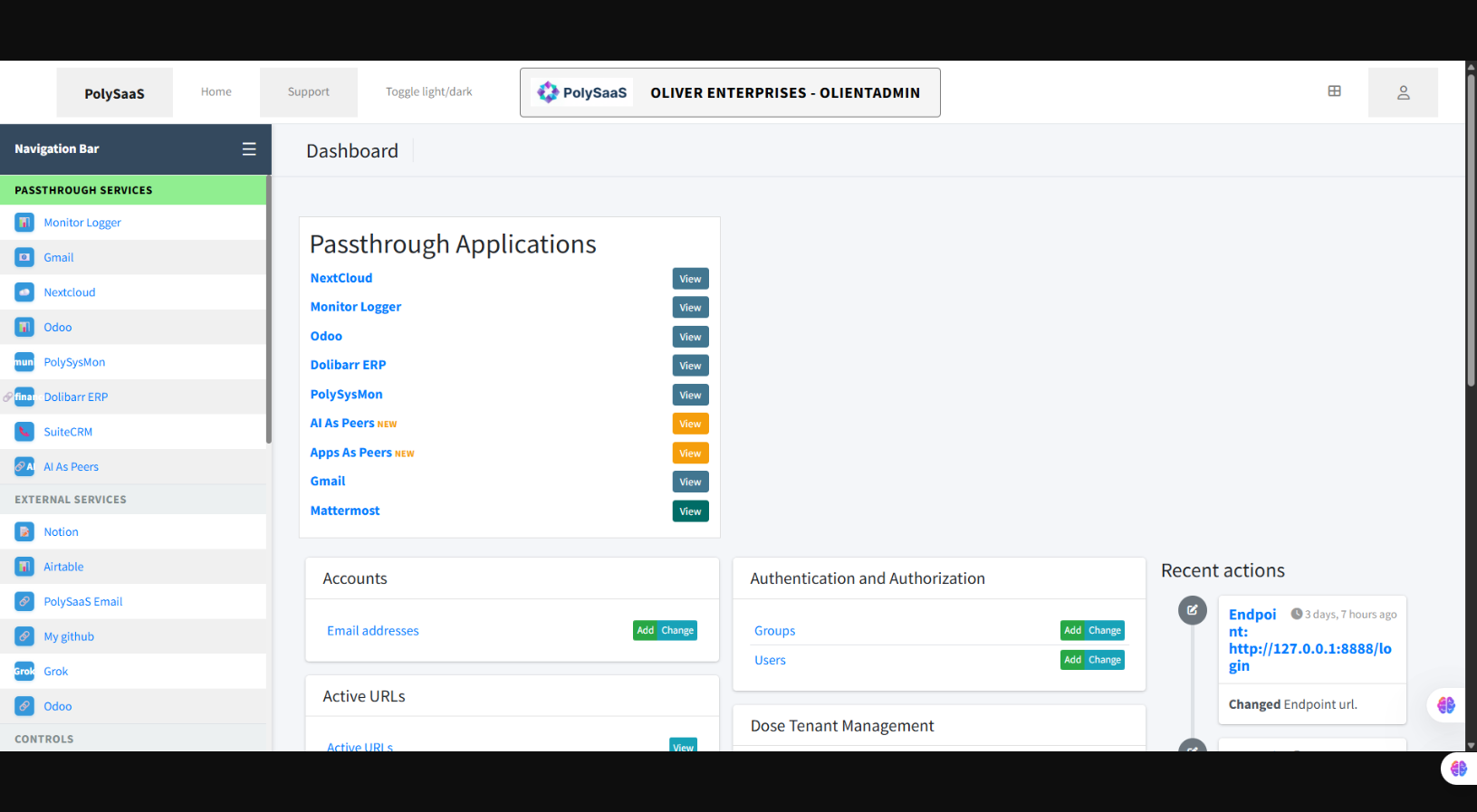
Additional captures (full set) are in the same repo folder; add more <figure> blocks here or link to a gallery page as you prefer.
Internal / draft: This page is for refining messaging before it appears in main navigation or the public feature list. Claims here should stay aligned with documentation/product/ML-PLATFORM-CONCEPT-AND-TABLES.md in the PolySaaS repository.